TI-Nspire CX II CAS Online Calculator
TI-Nspire™ CX II CAS online calculator
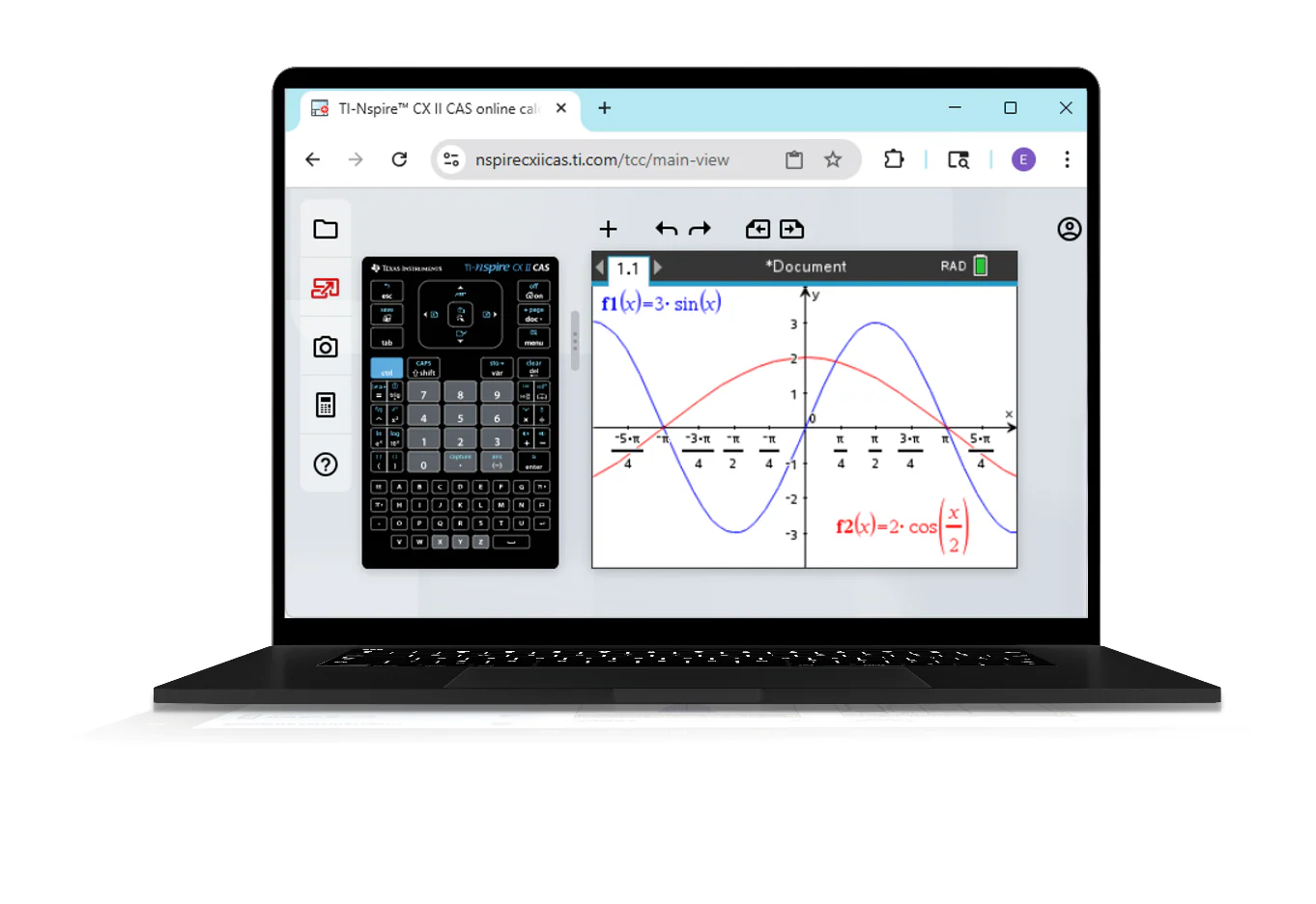
The flexibility to work from any computer. Get the core features of the TI-Nspire™ CX II CAS graphing calculator online — right from your browser.
We will email you a code to the email address you provide within one business day. To access the Ti-Nspire CX II CAS Online Calculator after receiving your license, visit ti.software and click on the Ti-Nspire CX II CAS Online Calculator!
An online partner for your TI-Nspire® CX II CAS handheld graphing calculator
The functionality you need
Give students access to the same core functionality of the TI-Nspire™ CX II CAS graphing calculator to use in class or at home.
The flexibility you want
Expand your classroom options so more students have the ability to work from any computer.
Compatible with Chromebook™ notebook computers, Windows® and Mac®.
The familiarity you know
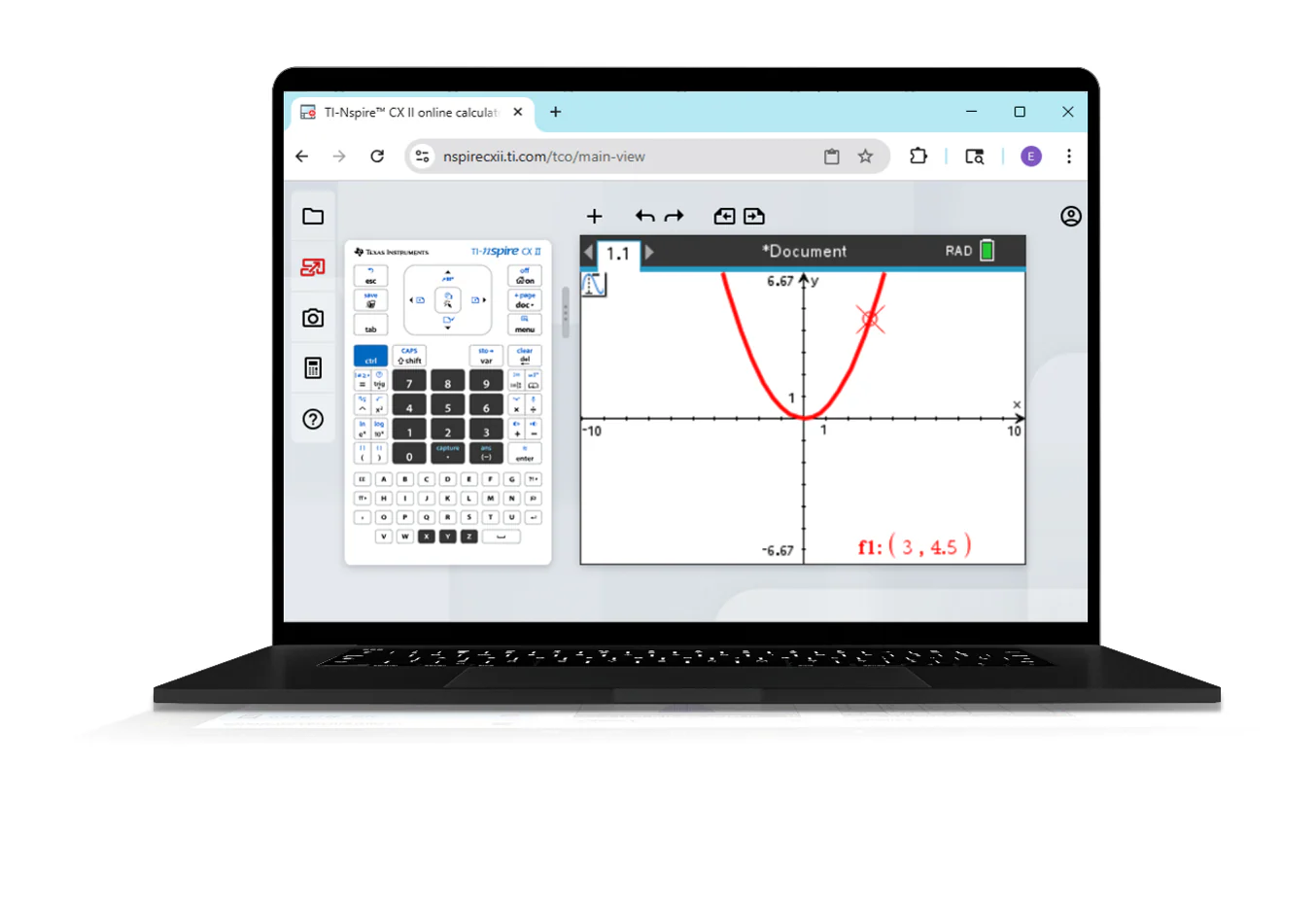
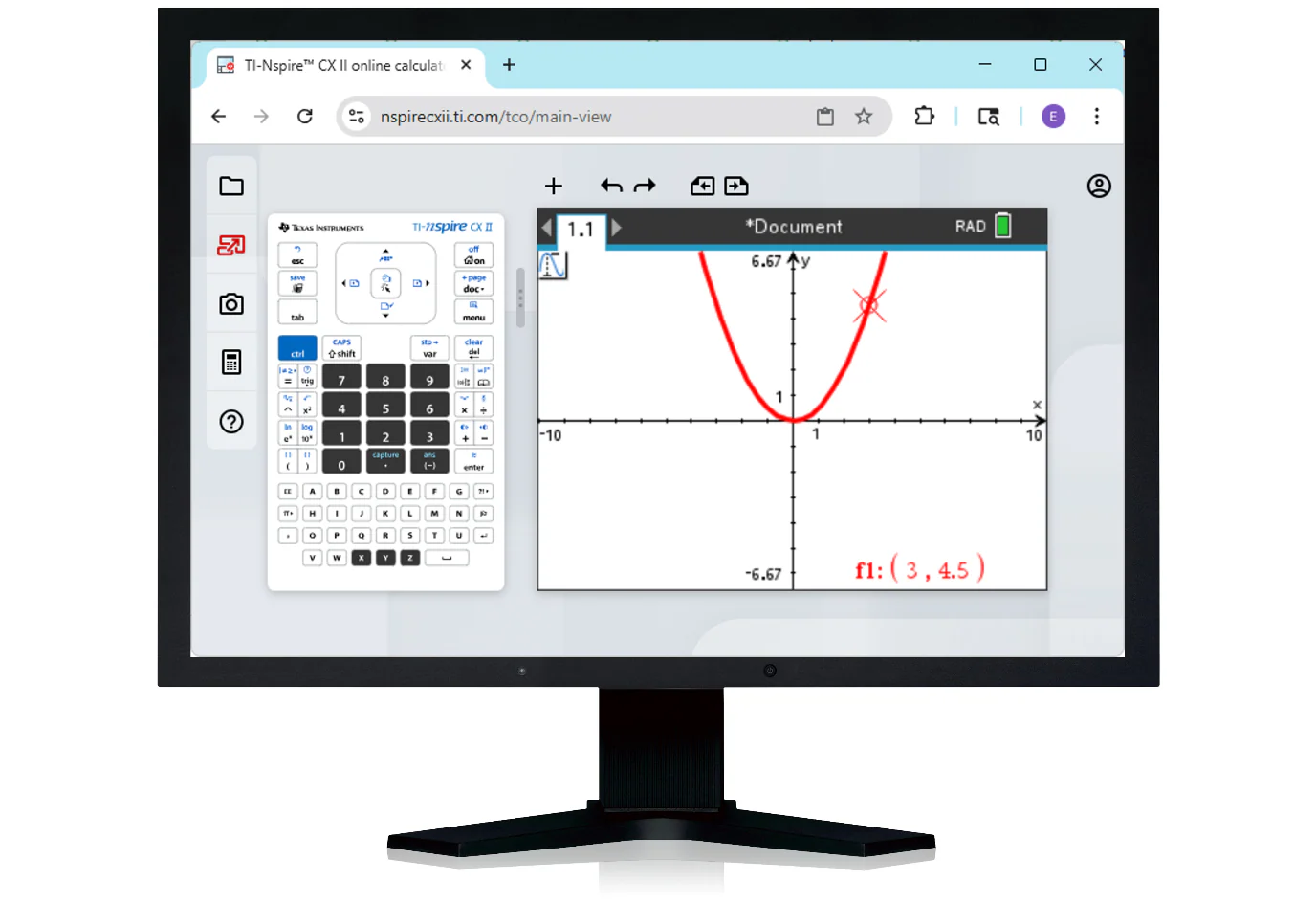
Enjoy a seamless user experience with similar button layouts and menu options as the TI-Nspire® CX II CAS handheld graphing calculator.
System requirements
Operating system
- Windows® 10 or 11
- macOS® 12 or 13
- Chrome OS™ 95 or newer
Browser
Chrome™ browser (version 95 or newer)
RAM
4GB (recommended) | 2GB (minimum)
Screen resolution
9.5" or greater and 1024 x 768 or greater
Internet access required
Product Information
Product Information
Shipping & Returns
Shipping & Returns
Description
TI-Nspire™ CX II CAS online calculator
The flexibility to work from any computer. Get the core features of the TI-Nspire™ CX II CAS graphing calculator online — right from your browser.
We will email you a code to the email address you provide within one business day. To access the Ti-Nspire CX II CAS Online Calculator after receiving your license, visit ti.software and click on the Ti-Nspire CX II CAS Online Calculator!
An online partner for your TI-Nspire® CX II CAS handheld graphing calculator
The functionality you need
Give students access to the same core functionality of the TI-Nspire™ CX II CAS graphing calculator to use in class or at home.
The flexibility you want
Expand your classroom options so more students have the ability to work from any computer.
Compatible with Chromebook™ notebook computers, Windows® and Mac®.
The familiarity you know
Enjoy a seamless user experience with similar button layouts and menu options as the TI-Nspire® CX II CAS handheld graphing calculator.
System requirements
Operating system
- Windows® 10 or 11
- macOS® 12 or 13
- Chrome OS™ 95 or newer
Browser
Chrome™ browser (version 95 or newer)
RAM
4GB (recommended) | 2GB (minimum)
Screen resolution
9.5" or greater and 1024 x 768 or greater